Stress subcommand
quicktest stress | qt stress
Verifies that the code executes within the time limit using a random generator for multiple test cases.
Note: This mode does not compare against a slower, correct solution.
quicktest stress --target-file=main.cpp --gen-file=gen.cpp
Or using the shorter alias:
qt stress -t main.cpp -g gen.cpp
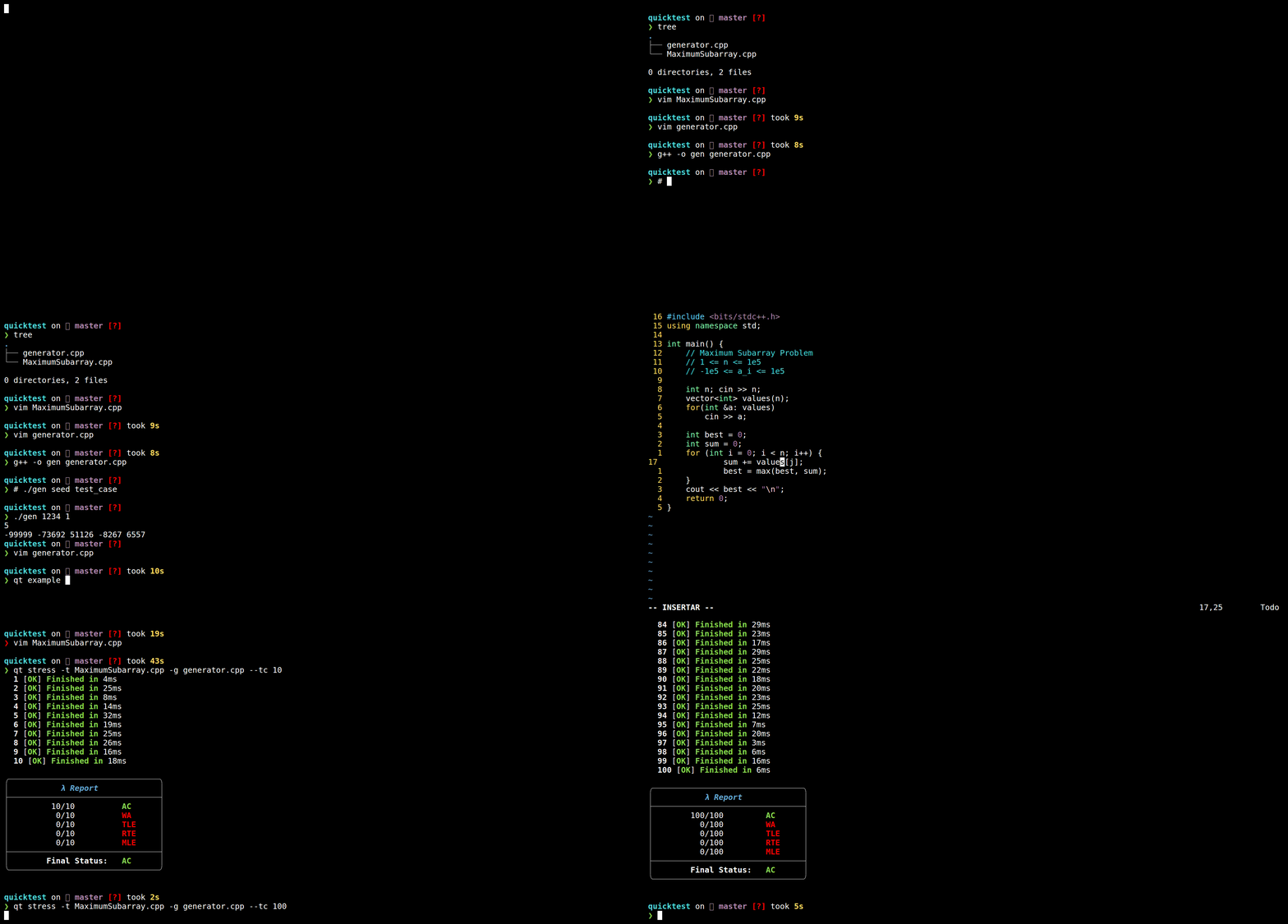
Demo
Subcommand Structure
-
quicktest stress | qt stressRequired Options
-t=<value> | --target-file=<value>-g=<value> | --gen-file=<value>
Other Options
--test-cases=<value> | --tc=<value> [default: 1000]--timeout=<value> | --tout=<value> [default: 2000]Unit of time:ms--memory-limit=<value> | --ml=<value> [default: 1000000000 - 1GB]Unit of time:bytes--prefix=<value> | -p=<value>Conflicts with--gen-file(Only one can be used at a time).
-
Flags of the
cmp,stressandchecksubcommands--break-bad | --breakStops execution if WA, TLE, or RTE states occur.--run-acRuns Accepted test cases.--run-allRuns all test cases.--run-rteRuns Run Time Error test cases.--run-tleRuns Time Limit Exceeded test cases.--run-waRuns Wrong Answer test cases.--save-allSaves all test cases.--save-badSaves only bad cases (WA, TLE, or RTE).